

Choose Generatorr when a clearly named creative task, portrait transformation, logo, brand asset, or compact image workflow should lead directly to a result. Choose Pixelcut when your priority is product imagery, brand-aware commerce content, image and video production, batch editing, or creative-agent workflows. Compare the same source and final brief, then measure fidelity, correction time, repeatability, and export fit.
Quick answer: guided creation or commerce production
Generatorr uses focused tools to move from an idea or source photo to a specific result. Its AI image editor sits beside logo, brand-kit, image-generation, video, and portrait workflows. Pixelcut currently presents itself as an image and video platform for sellers, with creative-agent workflows, product showcases, UGC ads, personas, background removal, upscaling, expansion, retouching, shadows, and batch editing.
The practical distinction is workflow ownership. Generatorr is direct when one person wants a defined creative effect without designing a long process. Pixelcut may be more attractive when a team is producing many commercial assets around products, actors, brand consistency, or repeated channel formats.
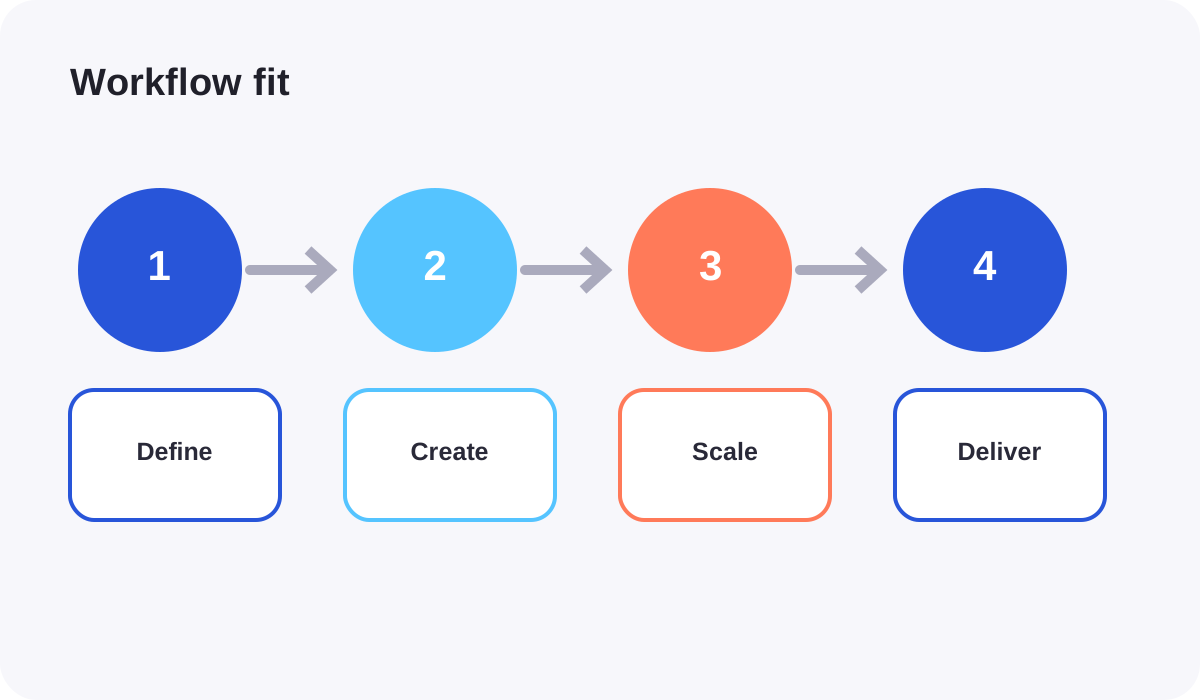
Use Generatorr for a narrow, reviewable change
A narrow tool makes review easier. If the task is to add a natural smile, create a sticker outline, build a character sheet, remove a background, or generate a short motion concept, any unrelated change is clearly a failure. That is useful for creators who want guidance and a limited number of purposeful decisions.
Generatorr also keeps brand work close to creative output. The visual brand consistency guide shows why one approved identity should govern colors, image treatment, logo use, and delivery files. That connection is valuable when a small team does not want separate systems for every visual task.
Use Pixelcut when scale and commerce are central
Pixelcut’s current official site highlights product-showcase workflows, AI UGC ads, personas, background removal for images and video, multiple upscaling models, generative expansion, retouching, shadows, batch editing, AI actors, and product photos. Those capabilities point toward high-output marketing and seller workflows rather than one isolated image effect.
Claims about scale or consistency should be tested with your own catalog. Use products with reflective packaging, fine typography, unusual geometry, and multiple color variants. Confirm that automation preserves the approved object rather than generating an attractive approximation.
Test fidelity before style
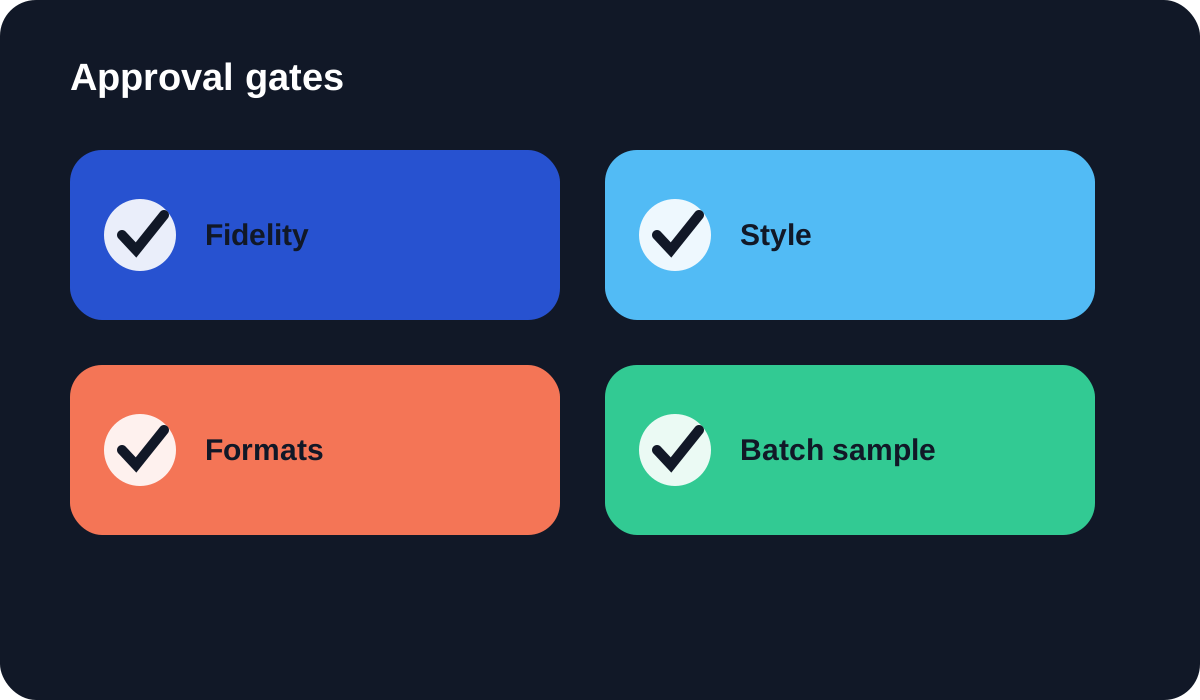
Begin by scoring what must not change: product shape, logo placement, printed text, color, facial identity, clothing, and background facts. Only after those pass should you judge style, lighting, and novelty. This order prevents a polished but inaccurate result from winning the comparison.
For any source that will be enlarged, use the AI image upscaling checklist. Inspect text, eyes, hair, repeating patterns, hard edges, and small product features. More pixels are useful only when the enlarged file is more trustworthy at its intended size.
Compare video and multi-format needs honestly
Both platforms include motion-related possibilities, but the presence of video does not make workflows equivalent. Define whether you need a short effect, product showcase, talking ad, prompt-to-video result, consistent persona, sound, or a particular aspect ratio. Then inspect duration, resolution, audio, correction controls, and export rights for that exact use.
Create one vertical, one square, and one landscape deliverable from the same approved source. Check whether the subject stays recognizable, text remains correct, and important content survives reframing. A platform that makes one impressive demo but struggles across required placements may add more review work than it removes.
Measure repeatability, not just speed
Ask a second person to repeat the workflow from your written brief. Count steps, retries, corrections, and ambiguous decisions. Save the original, the approved master, and final exports with clear names. If the result depends on one person remembering undocumented settings, the workflow is fragile.
For batch work, sample the whole set rather than checking only the first output. Look for systematic errors such as shifted product color, inconsistent shadows, changed labels, or crops that become tighter over time. Automation increases the value of a good rule and the cost of a bad one.
Verdict
Generatorr is the more direct candidate for guided creative transformations and small-team brand work. Pixelcut is the stronger candidate for sellers and marketing teams whose recurring job involves product images, video, personas, batch edits, and multi-asset commerce production.
Choose after a controlled trial with the same real sources and delivery brief. Include human correction and approval time in the comparison. A dependable export that protects identity and product facts is more valuable than a faster preview that requires careful repair.
People also ask
Frequently asked questions
Is Generatorr or Pixelcut better for product photos?
Pixelcut is strongly oriented toward seller and product-content workflows. Generatorr can suit smaller, focused edits and broader creative or brand tasks. Test product fidelity on your own catalog.
Which is easier for a beginner?
Generatorr’s named tools reduce setup for a defined task. Pixelcut may be easier when its commerce workflow directly matches your repeated production need.
How should I compare their video tools?
Use the same source and brief, then compare identity or product consistency, motion quality, audio, aspect ratios, duration, resolution, correction controls, and export rights.
Can both tools be part of one workflow?
Yes. Keep one approved source and define which tool owns each step so assets are not repeatedly regenerated or compressed.