

Choose Generatorr when you want a direct path from a defined visual brief to a reviewable image or focused AI tool. Choose Picsart when the work benefits from model choice, style exploration and continued editing inside a mature creator platform. The fair test is not which interface produces the most options; it is which workflow creates an acceptable, rights-cleared export with less correction and a repeatable handoff.
Quick answer: focused path or broader creative system
Generatorr is an AI image generator and collection of focused visual tools intended to move from a clear job to a usable output without making every user design a complex pipeline. Picsart is a large multi-model image playground connected to a broader editor, presets, reference inputs, brand tools and social design workflows.
Choose Generatorr when speed, a clear task boundary and a straightforward review loop matter most. Choose Picsart for creators who want many model and preset choices and expect to add design, branding or social finishing after generation. Neither choice removes the need to inspect details, confirm rights and approve the exported file in its final context.
This comparison uses current public product information checked on 31 October 2026. AI products change quickly, so treat model names, credit costs and plan limits as dated facts and confirm them in the live account before a production commitment.
Define the delivery before comparing tools
Write a one-page acceptance brief before opening either product. Specify the subject, visual purpose, aspect ratio, required resolution, protected details, unacceptable changes, delivery format and where the image will appear. A vague request such as “make it premium” cannot be scored consistently.
Use the same prompt, reference material and output dimensions in both tests. Preserve the original and name every attempt. If one platform requires a different prompt structure, document the change rather than quietly improving one side after seeing the result.
The photo-to-flat-illustration guide explains how to separate visual appeal from factual accuracy and protected details. That discipline matters in comparisons because a beautiful output can still fail if it changes a product, face, package label or brand element.
What Picsart currently emphasizes
Picsart’s official generator and help pages currently describe model selection, style presets, reference images, aspect-ratio controls, storage and editing tools; its help centre says generations use credits whose cost depends on tool and settings. Verify the current model list and rights for the chosen output.
That breadth can be valuable when the assignment needs model choice, style exploration and continued editing inside a mature creator platform. It can also add decisions about model selection, settings, references and finishing. More controls are useful only when the team understands which ones materially improve the delivery.
Do not infer a capability from a marketing category alone. Test the exact account, region, plan and file type. Save a dated screenshot of the settings used for an important production workflow so a later change can be diagnosed.
Compare the end-to-end workflow, not the generation button
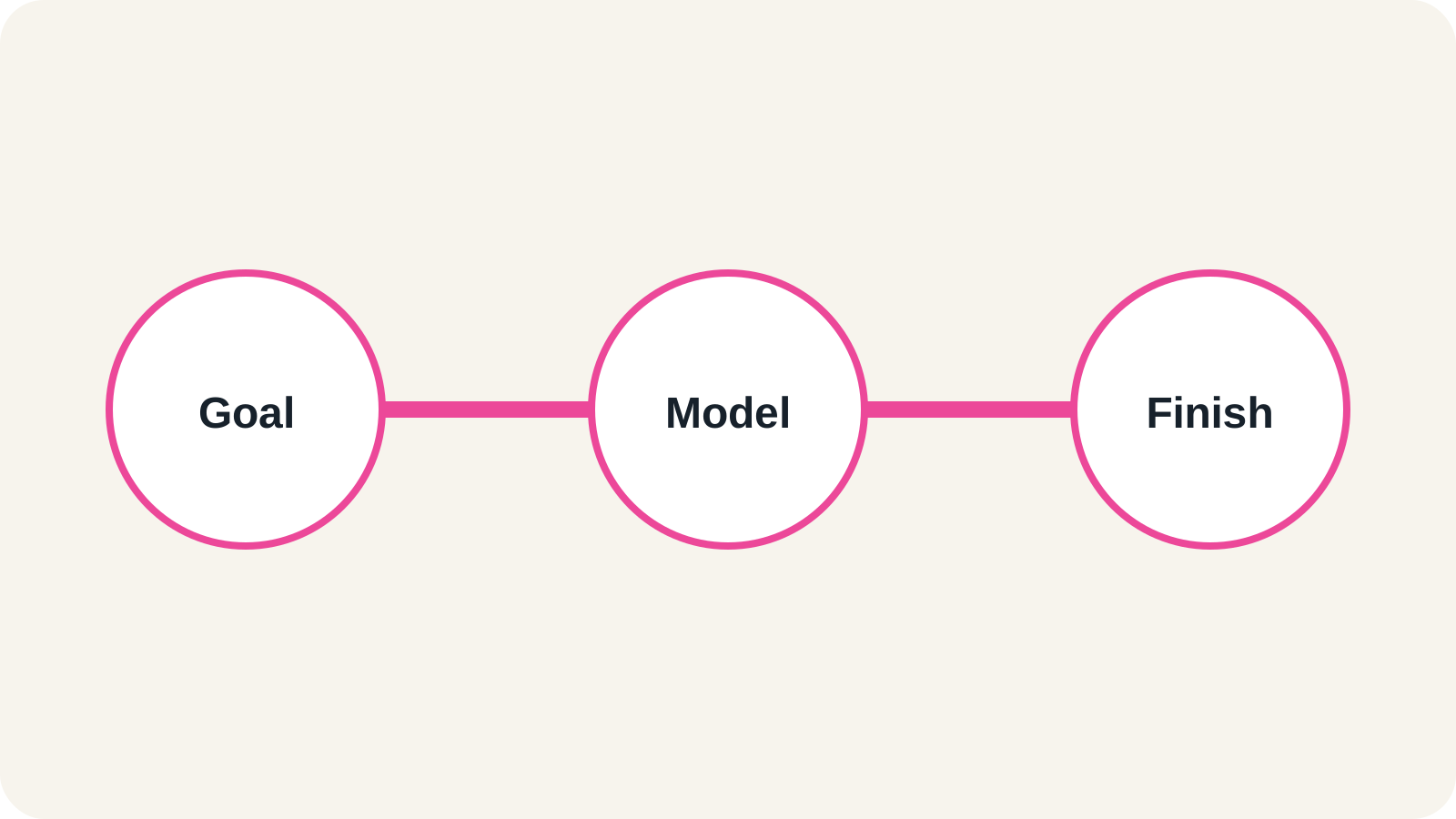
Measure preparation, generation, inspection, correction, export and placement. A fast first render may be slower overall if text, anatomy, edges or composition require repeated repairs. A more detailed system may repay setup time when the same visual language must be repeated across a series.
For Generatorr, test whether the focused path keeps the brief and review simple. For the competitor, test whether extra controls produce a measurable improvement rather than more variants to inspect. Stop after a fixed number of attempts so the test stays fair.
Record the first acceptable result, not the best result discovered after unlimited exploration. Production teams need a dependable median workflow, not an exceptional sample.
Inspect output quality at three scales
First view the image at its actual placement size and judge hierarchy, subject clarity and mood. Second inspect at full resolution for text, faces, fingers, edges, repeated patterns, reflections and small brand marks. Third compare the export with the original references and written brief.
Use the responsible AI image workflow to review edge quality, invented detail and sharpening even when enlargement is not the main task. The same two-view method catches defects that disappear in a small preview.
If the result contains a person, product or recognisable design, require a second reviewer. Mark the exact defect and make one controlled correction. Re-generating everything can fix one area while silently damaging another.
Consistency and repeatability
A single strong image does not prove a repeatable workflow. Run a second source from the same series and keep the brief structure unchanged. Compare whether colour, framing, subject identity and treatment remain aligned without excessive manual repair.
Picsart may be the stronger candidate when its broader controls directly support consistency for the assignment. Generatorr may be the stronger candidate when a focused tool and a simpler approval path reduce operator variation.
For recurring work, maintain a short production note with prompt, references, aspect ratio, selected output, corrections and rejection reasons. This becomes more useful than a gallery of unlabeled experiments.
Cost, credits and operational effort
Check current official pricing on the decision date and separate subscription price from variable usage. Credits, queues, premium models, storage, resolution and commercial terms can change independently. Avoid publishing or budgeting from an old screenshot.
Add labour: briefing, prompt preparation, generation, review, correction, resizing and handoff. A broad platform can consolidate tools; it can also be wasteful when the team uses only one narrow function. A focused tool can be efficient but may need a separate layout or asset-management step.
Score the workflow over a small batch rather than one image. Divide total cost and reviewer minutes by accepted outputs, not generated outputs.
Rights, privacy and responsible use
Confirm that you may upload every reference and use the resulting image for the intended purpose. Review the current terms for the exact plan and model. Commercial-use language does not transfer ownership of trademarks, celebrity likenesses or copyrighted source material you did not have permission to use.
Avoid uploading confidential client files until storage, retention and training settings are understood. Remove private metadata where appropriate and use synthetic or approved test material during evaluation.
For identity-sensitive images, obtain consent and avoid deceptive presentation. Keep the original, the generation record and the approved export so later corrections do not erase provenance.
A practical 30-minute comparison test
Choose one representative brief with a clear subject, difficult edge, small detail and defined placement. Give both tools the same references and fifteen minutes. Allow one controlled correction after the first review.
Score brief adherence, protected-detail accuracy, correction control, consistency, export quality and total reviewer time from one to five. Note any feature that was unavailable in the tested plan rather than scoring it from a marketing page.
Choose Generatorr when the focused path reaches an acceptable export with less friction. Choose Picsart when its additional controls or wider ecosystem materially improve the result and your team can maintain that workflow.
Final recommendation
Generatorr is the simpler fit for teams that want to define a visual job, create, inspect and deliver without building a large creative stack. Picsart is the stronger fit for creators who want many model and preset choices and expect to add design, branding or social finishing after generation.
The best answer can change by project. Keep one approved master, document the workflow and retest after major model or pricing changes. Choose the system your team can repeat responsibly, not the one with the longest feature list.
People also ask
Frequently asked questions
Is Generatorr the same type of product as Picsart?
They overlap in AI image creation, but Generatorr emphasizes focused tools while Picsart offers a large multi-model image playground connected to a broader editor, presets, reference inputs, brand tools and social design workflows.
Which product is easier for a single visual task?
Generatorr is the more direct candidate when the task is clearly defined. Test the real source, correction path and export before deciding.
When is Picsart the better choice?
It is the stronger candidate for creators who want many model and preset choices and expect to add design, branding or social finishing after generation.
Can a team use both?
Yes. Define which tool owns the approved master, preserve the original, and avoid re-generating accepted assets unnecessarily.