

Choose Generatorr when you want a direct path into a focused portrait, illustration, logo, brand, image, or motion tool. Choose Photoroom when the job centers on product cutouts, catalog backgrounds, product staging, resizing, or repeated commerce edits. Run the same source through the exact workflows you expect to use and compare identity or product fidelity, correction effort, export requirements, and total review time.
Quick answer: focused creative tools or a product-photo system
Generatorr and Photoroom overlap, but they begin from different jobs. Generatorr organizes many focused creation paths—portraits, image transformations, logos, brand assets, image generation, and motion—inside one AI image editor. Photoroom is especially oriented toward product photography, background work, catalog consistency, and commerce-ready image production.
That difference matters more than a feature-count table. A creator making a fictional family portrait, animated profile image, or stylized illustration may value a clearly named workflow. A seller preparing hundreds of product listings may value background removal, studio scenes, shadows, resize options, and batch operations. Choose by the repeated job you need to finish, not by the longest tool menu.
Where Generatorr is the more direct choice
Generatorr is useful when the desired result maps to a specific tool. Instead of opening a blank editor and assembling a process, you can choose a scene or task, add a photo or prompt, generate, review, and save. That structure reduces decision overhead for occasional creators and makes it easier to detect drift because the requested change is narrow.
Its broader product also connects image work with logo and brand-kit creation. That can matter for a small business that needs a recognizable identity as well as campaign imagery. The earlier small-business brand kit guide explains how to keep approved marks, colors, and imagery connected instead of treating each export as an isolated experiment.
Where Photoroom is the stronger candidate
Photoroom’s current official tool set emphasizes product imagery: background removal, AI backgrounds, product staging, studio shots, shadows, product recoloring, enhancement, resizing, retouching, and batch editing. Its help center also documents product-focused tools such as Flat Lay, Ghost Mannequin, Product Beautifier, Product Fixer, and AI Shot List. That breadth is valuable when the same item must appear across a catalog, marketplace, ad, and social channel.
Teams should still test the exact device and plan they expect to use. Availability, credit use, output resolution, collaboration, and batch limits can change. A feature existing somewhere in a platform does not guarantee that it is available on every plan, region, or interface. Verify the current controls before building a high-volume workflow around them.
Compare product and identity fidelity
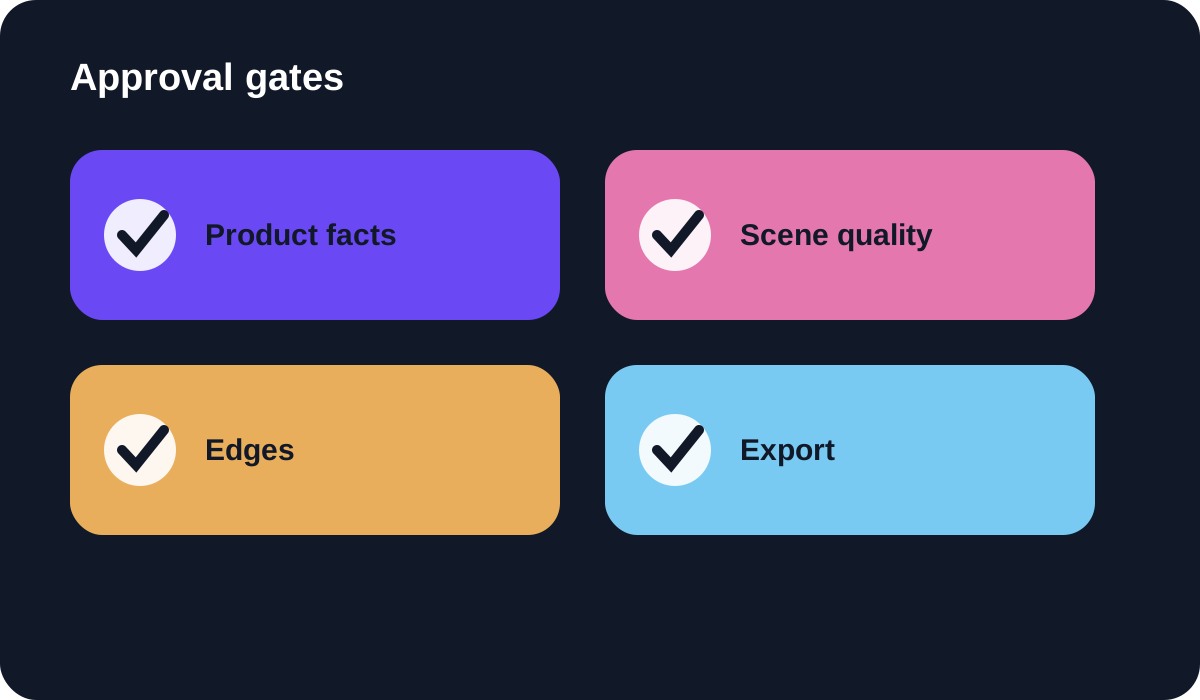
For product images, preserve label text, package geometry, color, material, and small distinguishing features. A beautiful generated background is not useful if the bottle cap changes shape or a wordmark is rewritten. Use the AI product photo review checklist to inspect the product separately from the scene and approve only a version that remains commercially accurate.
For portraits and personal images, preserve identity, age, expression, skin texture, and context unless a specific change was requested. Compare the output with the original at the same crop and size. Reject quiet changes to facial structure or background details even when the overall result looks polished.
Run a fair five-file test
Use one clean portrait, one reflective product, one product with fine edges, one low-resolution source, and one image that needs a new aspect ratio. Write the final dimensions, background, transparency, and required fidelity before editing. Give each platform the same inputs and stop only when the export is genuinely usable.
Record generation time, manual correction time, failed attempts, file size, output dimensions, and review notes. The fastest first result may require more cleanup later. A slower but predictable workflow can be better when another person must repeat it or when the same product will be updated every season.
Cost, privacy, and rights belong in the comparison
Do not compare only the headline subscription price. Include credits, batch allowances, export resolution, watermark rules, storage, collaboration, and the labor required to correct mistakes. Plans change, so consult each provider’s current pricing and terms on the day you decide.
Use images you own or have permission to edit. Check retention, deletion, training, commercial-use, and team-access terms when uploading client assets or recognizable people. Keep originals outside the editor, document significant AI changes, and disclose synthetic scenes when viewers could mistake them for documentary product photography.
Verdict
Generatorr is the more natural fit for creators and small teams who want named, focused transformations alongside logo, brand, image, and motion tools. Photoroom is the stronger candidate for product-photo teams that need a mature commerce workflow, repeated backgrounds, catalog operations, or batch processing.
Neither choice is universal. Test the same real files, inspect the details that affect trust, and choose the workflow that reaches an approved export with fewer hidden corrections. The winning tool is the one your team can repeat safely and consistently.
People also ask
Frequently asked questions
Is Generatorr better than Photoroom?
Generatorr is a stronger fit for focused creative transformations and connected brand work; Photoroom is often better suited to product-photography and catalog workflows. Test your own files before choosing.
Which tool is better for background removal?
Both provide background-oriented workflows. Compare fine edges, transparent materials, shadows, correction controls, export resolution, and batch needs on your real source images.
Can I use both tools?
Yes. Define which platform owns the approved master and avoid repeatedly regenerating an already accepted product or portrait.
What should I compare before paying?
Check current plan limits, credits, output size, watermarks, batch tools, collaboration, commercial terms, data handling, and the time needed to reach an approved export.